Bad Times AI Argument Video
Same moves, same shots, same timing. One photo puts you in the lead of the 15-second Bad Times argument — thumbs-up, finger counting, the "stop right there" palm and the lunge at the lens.
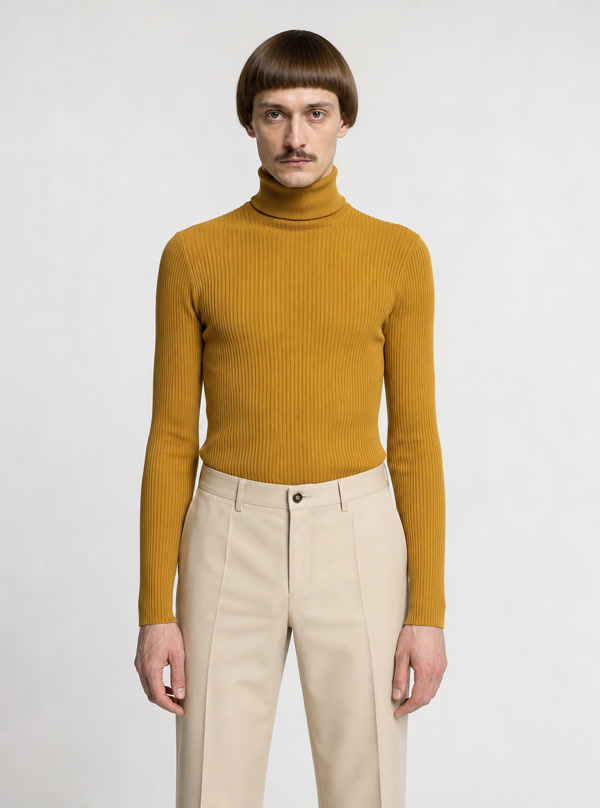
Real generated sample from this one photo · 15s · 480p · 9:16 · Silent
Your finished video previews with the song before you download.
1Your photo
Your balance: 0 credits
2Your role
Smallest single pack covering this video: 300 credits · $14.99 USD
See all credit packsYour download is a silent MP4. Follow the sound tutorial below when you post.
Who you replace
You are the only performer: the lead in a theatrical kitchen argument, rebuilt from your photo.
How it works
- 1Upload one photoA clear, front-facing photo of one adult works best.
- 2We stage the remakeThe template follows the reference moves, shots and timing with you in the lead.
- 3Download and postFind it in My videos. Choose an allowed sound on TikTok or Reels when you post.
The routine, second by second
We mapped the take frame by frame against the song, so your video hits every beat.
- 0–1 s
Steps in from the counter with a thumbs-up
Fake-sweet smile - 1–4 s
Counts complaints on his fingers, jabs at the lens
Eyebrows up, smug - 4–5 s
Open palm at the camera — "stop right there"
Outraged shout - 5–7 s
Back to counting, head tilted
Patronising sneer - 7–8 s
Dismissive backhand wave
Big eye-roll - 8–10.5 s
Steps back, hand to the head, then freezes
Disbelief, then a glare - 10.5–12 s
Turns side-on, hand on hip
Icy side-eye - 12–13 s
Whips back round
Jaw drops - 13–15 s
Lunges at the lens pointing, then throws a hand up
Full yell
Get a better result
Front-facing, chest-up photos keep your face steady even when the routine lunges at the lens.
- Face the cameraA front-facing photo helps keep your face consistent across shots.
- Fill the frameKeep your face and upper body clearly visible.
- Use soft, even lightTry daylight or a bright room. Avoid deep shadows and heavy beauty filters.
- Just youCrop out friends, pets and busy backgrounds.
Every sample here was made on StarBop
No reposted TikToks. Each video below was generated on this page from the photo next to it — exactly what you get.
One photo → the template remake
Add the sound in 10 seconds
Your download is silent on purpose. Add the trend sound inside TikTok or Instagram using music available to your account in their licensed library. Availability and permitted uses vary by platform, account and region; follow the app’s music rules.
- 1. Upload your videoOpen TikTok, tap +, and upload your StarBop video.
- 2. Find the trend soundTap Add sound and search "Bad Times". Pick the trending clip used in the argument videos.
- 3. Align the first vocalDrag the sound so the first vocal lands on your first move. Our timing table above shows where each beat falls.
- 4. Set the volume and postSet the original video volume to 0 and post.
On Reels, search for Bad Times in Audio and follow the same steps.
What is the Bad Times trend?
"Bad Times" is a deep-house single released in 2026. On TikTok it became the soundtrack to a fake argument with whoever is holding the phone: one continuous kitchen shot, lip-synced like a real fight. The format is widely credited to French creator BOUUH YACHAKA, and by autumn 2026 it had spread to cats, dogs and AI versions. StarBop rebuilds that routine with an original performer — you.
Price and delivery
Per 15-second video · vertical 480p · silent MP4
Usually ready in 5–15 minutes. Close the page; it waits in My videos.
Credits are taken when your video starts. If it fails, they return to your balance automatically. If a result cannot be confirmed, we check it by hand before any retry.
Refund detailsFAQ
What is Bad Times AI?
It's our version of the Bad Times TikTok trend: upload one photo and AI rebuilds the 15-second kitchen argument with you as the performer, move for move.
Who sings Bad Times?
The song is "BAD TIMES" by Imael Angel, released in 2026. StarBop isn’t affiliated with the artist or rights holders, and the song isn’t included in your download.
Why is my video silent?
So you can add the trend sound from TikTok's or Instagram's own licensed library. Your moves are already timed to the song.
Can I use a photo of my cat or dog?
Not yet. This template is built for people today; a pet version is on the way.
What photo works best?
One person, face clearly visible, good light, no sunglasses or heavy filters.
What if it fails?
Credits are taken when your video starts. If it fails, they return to your balance automatically. If a result cannot be confirmed, we check it by hand before any retry.
Can I post it on Reels or Shorts?
Yes. It's a vertical 9:16 MP4 — add the sound in each app's music library, following its rules for your account and region.
Want a rap written about you instead? Try our AI rap video generator — original lyrics from one photo.
This template is an original reinterpretation performed by AI-generated characters. It contains no footage from the original music video and is not affiliated with or endorsed by the song’s artists or rights holders.